The Ultimate Case File Cleanup Checklist:


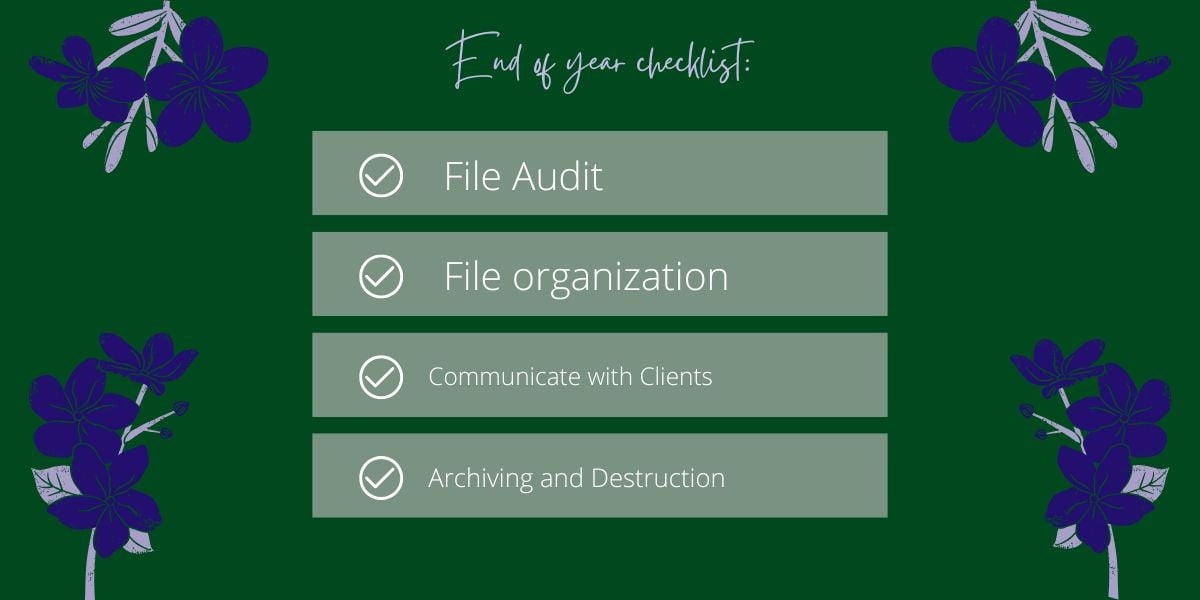
This time of year is an ideal time for legal professionals to conduct a thorough cleanup of case files. A well-organized system not only ensures compliance and security but also sets the stage for a productive new year. Here is a checklist to guide your year-end file management.
Step 1: Physical File Audit
Begin by reviewing all physical case files. Ensure that every document is correctly filed and that the file is complete. Remove any temporary notes, drafts, or duplicate copies that are no longer needed. Categorize files for storage, retention, or destruction based on your firm's policy and legal requirements.
Step 2: Digital File Organization
Apply the same principles to your digital files. Create a standardized folder structure for all cases, and ensure every document is saved in the correct location. Delete or archive old emails, temporary files, and obsolete versions of documents. Use consistent naming conventions (e.g., "ClientName_CaseNumber_DocumentType_Date") to make files easily searchable.
Step 3: Client Communication and Billing
Take this opportunity to close out any pending client communications or billing matters. Finalize and send all outstanding invoices for the year. Confirm with clients that all matters are resolved to their satisfaction, and obtain their consent to close the file if appropriate. This ensures a clean slate for the new year.
Step 4: Secure Archiving and Destruction
For files that have reached the end of their retention period, follow a secure destruction protocol. For files that must be retained, transfer them to a secure archive. Document this process, creating a log of all files that have been closed, archived, or destroyed. This is essential for compliance and e-discovery.
What's your ultimate case file cleanup tip? Share your best practices in the comments below to help your peers!